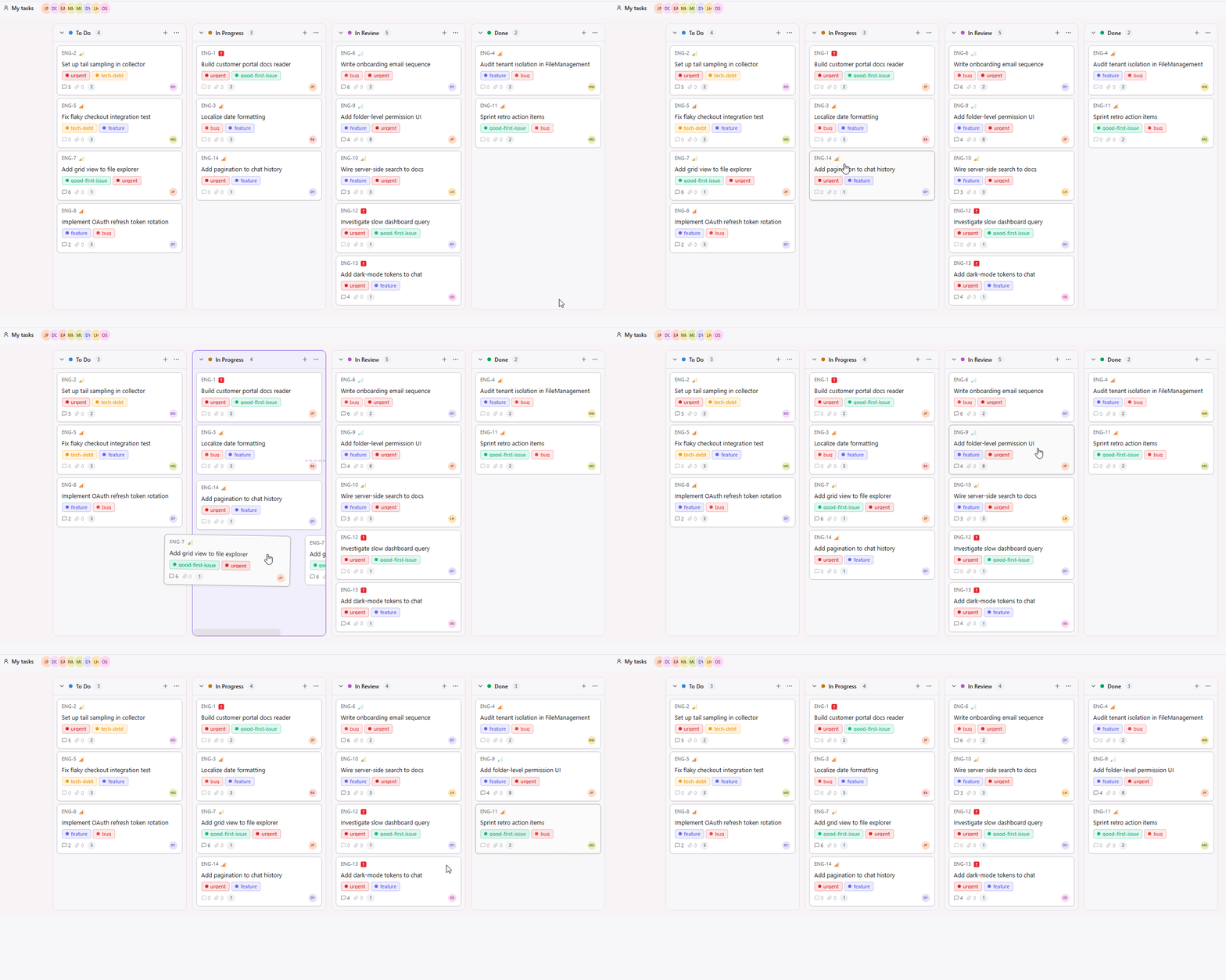
Everything a project needs — and a front door for the client
Four things you’d otherwise juggle across five tools, plus the one most tools skip: a clean, controlled view for the people you work for.
★ Signature feature
Share files to clients
Send a file. They see it in their portal — instantly.
Pick a file, choose a client, done. They open a clean portal with only what you shared — no logins into your workspace, no clutter, no accidental access.
- ✓ Share a single file or a whole folder
- ✓ Clients see only what’s theirs — scoped by design
- ✓ Revoke access any time, in one click
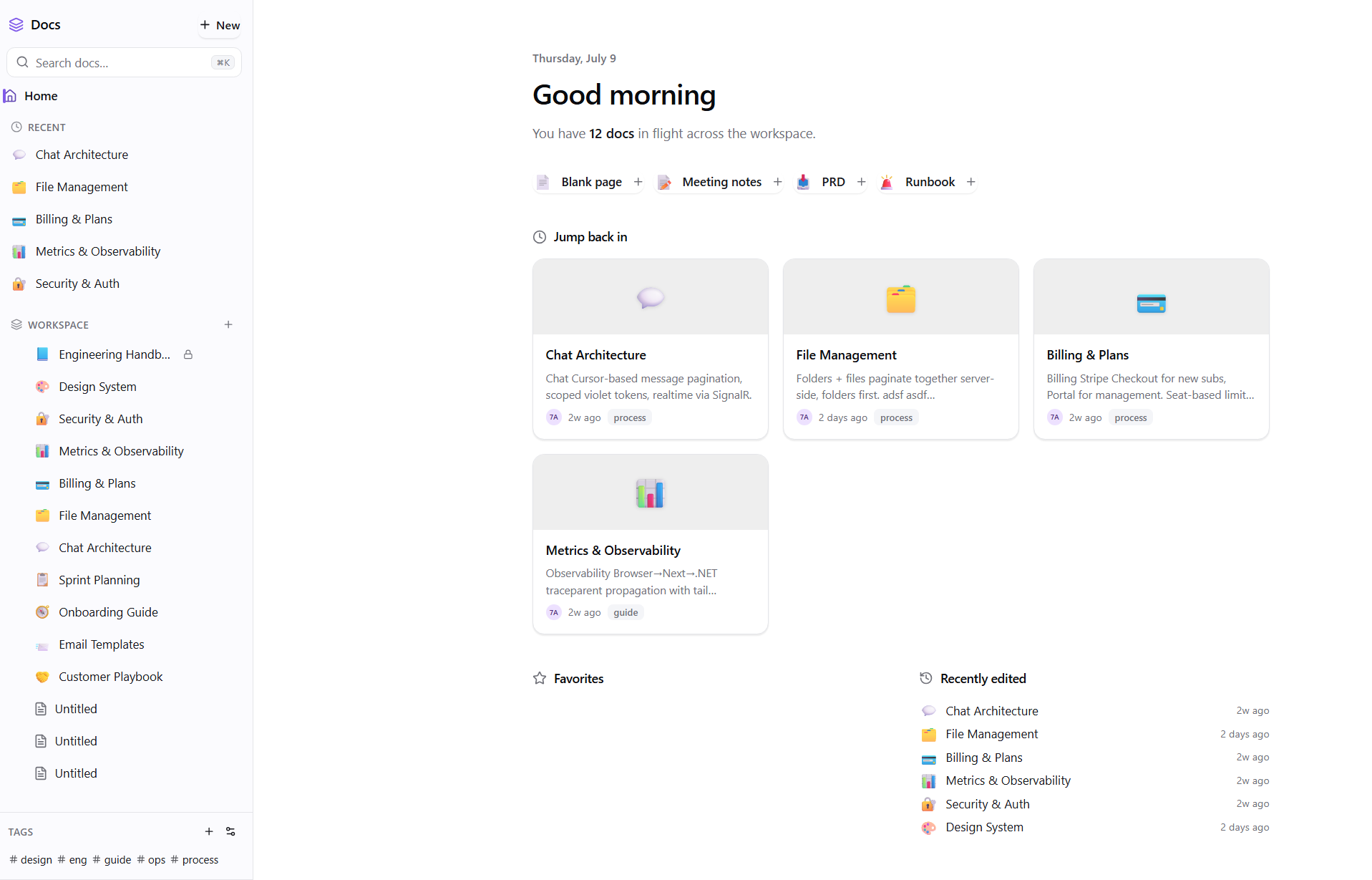
Docs
Docs that live next to the work.
Briefs, notes, specs — right beside the tasks and files they’re about. @mention a teammate to pull them in, and it lands as a notification.
- ✓ Rich text — headings, lists & links
- ✓ @mentions that notify the right person
- ✓ Attached to the project, not a separate drive
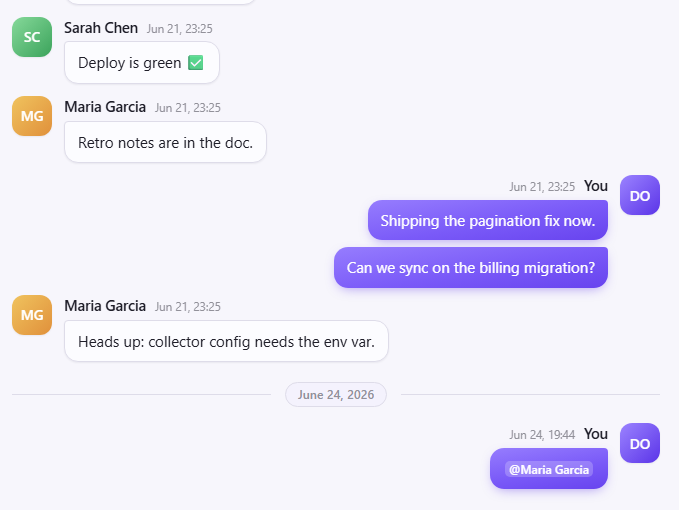
Team chat
Talk where the work lives.
Channels per project, direct messages, and @mentions — so conversations stay next to the tasks and files they’re about, not buried in email.
- ✓ Channels & DMs
- ✓ @mentions with notifications
- ✓ Tied to the project, not a separate inbox
Roles for your team, a request line for your clients
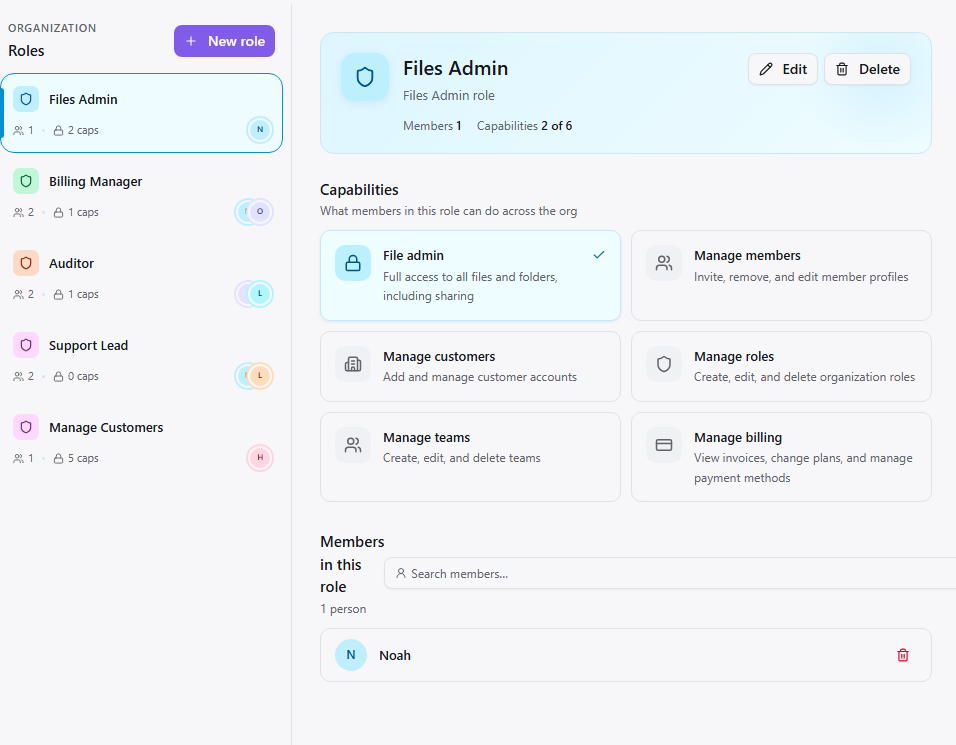
Custom roles & permissions
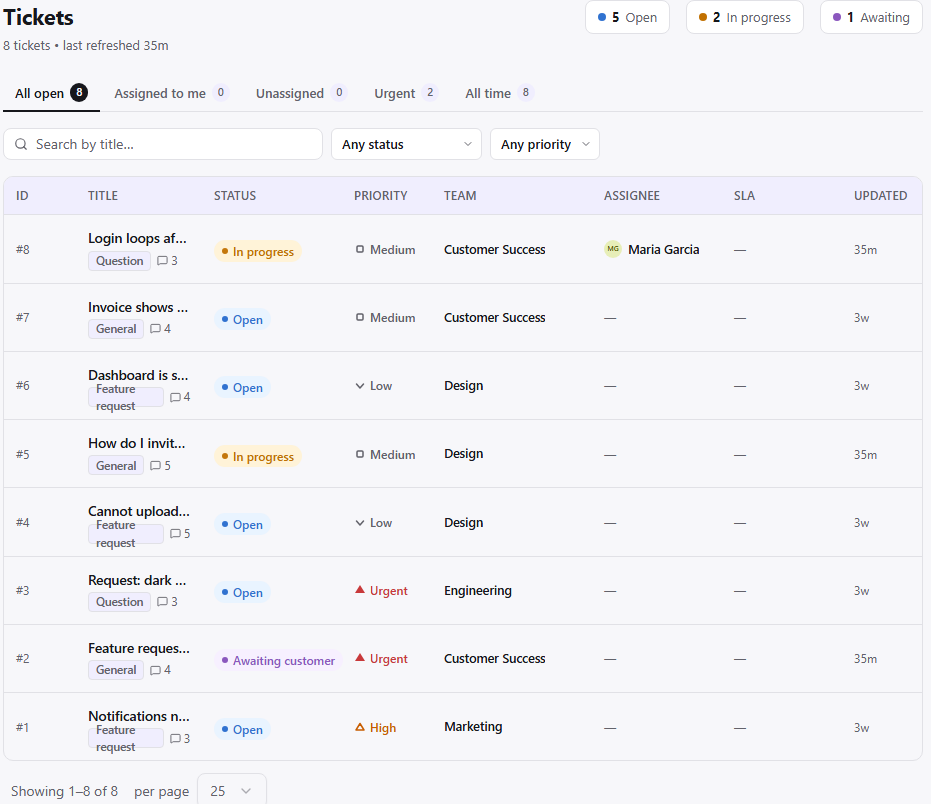
Clients raise tickets from their portal